

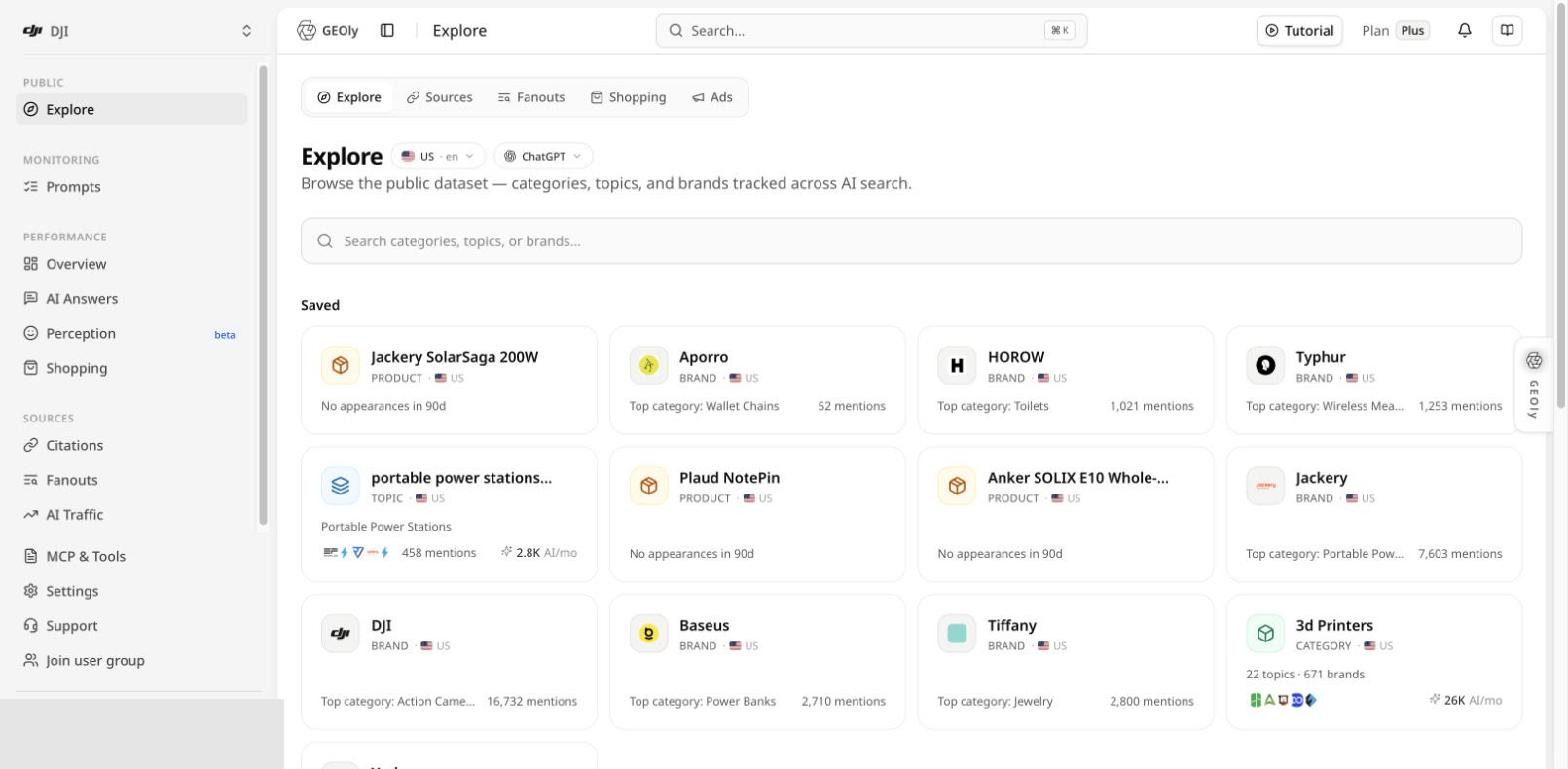
Confirm the research scope first
Before comparing results, confirm the market, language, platform, and collection batch shown on the page. Available filters vary by view; some public views currently use ChatGPT data from the latest collection batch. Compare values only when their scope is consistent. No result does not prove that an object does not exist. It can also reflect the selected filters, collection batch, or public-data coverage.What each tab is for
Explore: choose what to study
Search with at least three characters to find categories, Topics, brands, sources, or products. The home view also surfaces saved objects and featured categories. After opening an entity, inspect original answers, related Topics, the brand landscape, and supporting evidence instead of relying on a summary card alone.Sources: inspect the evidence ecosystem
Sources analyzes “usable sources” in AI answers: links attached to an answer and citations explicitly marked as cited. Search by industry or domain to study source type, industry coverage, appearance count, and average position. Frequent appearance means that a source is used often in the current public sample. It does not by itself prove content quality, commercial value, or causal influence on an answer.Fanouts: understand how AI searches
Fanouts shows the real web-search queries issued by ChatGPT while answering in the latest collection batch. It includes high-frequency query roots, repeated full queries, associated brands, and cited domains. This is AI retrieval behavior—not traditional SEO search volume, keyword rank, or a combined view of every AI platform.Shopping: study the recommendation shelf
Shopping ranks products observed in the current public collection batch and shows appearances, Topic coverage, and board movement. Product detail pages add the answers in which a product appeared, merchant channels, observed prices, sources, and competing shelves.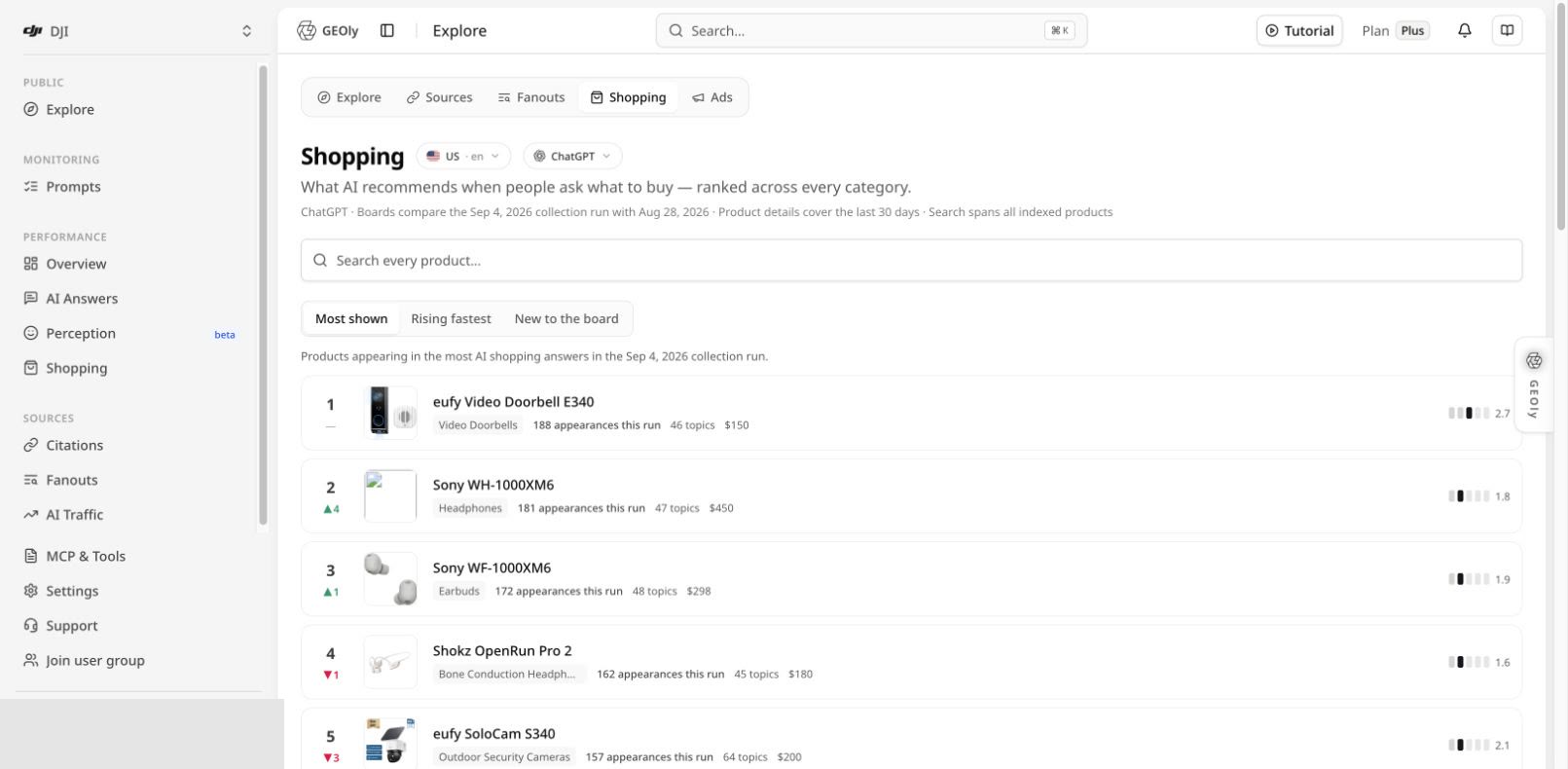
Ads: add a competitive signal
Ads shows observed ChatGPT ad cards, advertisers, creatives, landing pages, and repeat appearances in the public dataset. An ad can be delivered through a programmatic network and does not prove that a brand created a ChatGPT-specific campaign. The view does not expose actual spend, impressions, click-through rate, conversions, or ROI.Recommended research workflow
- In Explore, fix the market and language, then choose a relevant category, Topic, or brand.
- Open the detail view and record original answers, the brand landscape, and hypotheses that need verification.
- Use Sources to identify the domains and content types commonly used in that industry.
- Use Fanouts to capture real retrieval language and repeated expressions of demand.
- For purchase-related research, inspect the recommendation shelf in Shopping and competitive signals in Ads.
- Turn the findings into a content brief, product-information task, competitor study, or Prompt test.
- Return to your own-brand pages under Monitoring, Performance, and Sources to test whether subsequent results change.
Public data versus own-brand monitoring
These areas use different scopes and denominators:- Public mention share is not total market share.
- Public traffic or revenue estimates are not GA4 sessions, orders, or recognized revenue.
- Public Sources does not replace own-brand citation data under Sources → Citations.
- Public Fanouts cannot be added directly to own-monitoring Fanouts data.
- Public Shopping does not replace your brand’s shelf performance under Performance → Shopping.